Google Mapの地図に会社を登録する方法
Feb 5, 2008

AD:
Google Mapにいきます。
http://maps.google.co.jp/maps
↓
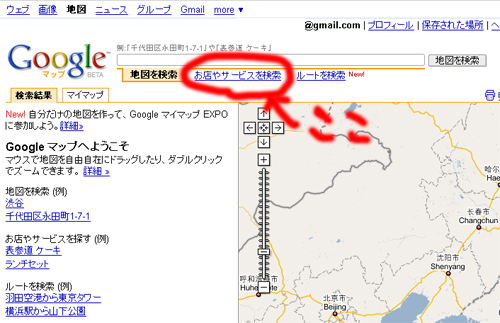
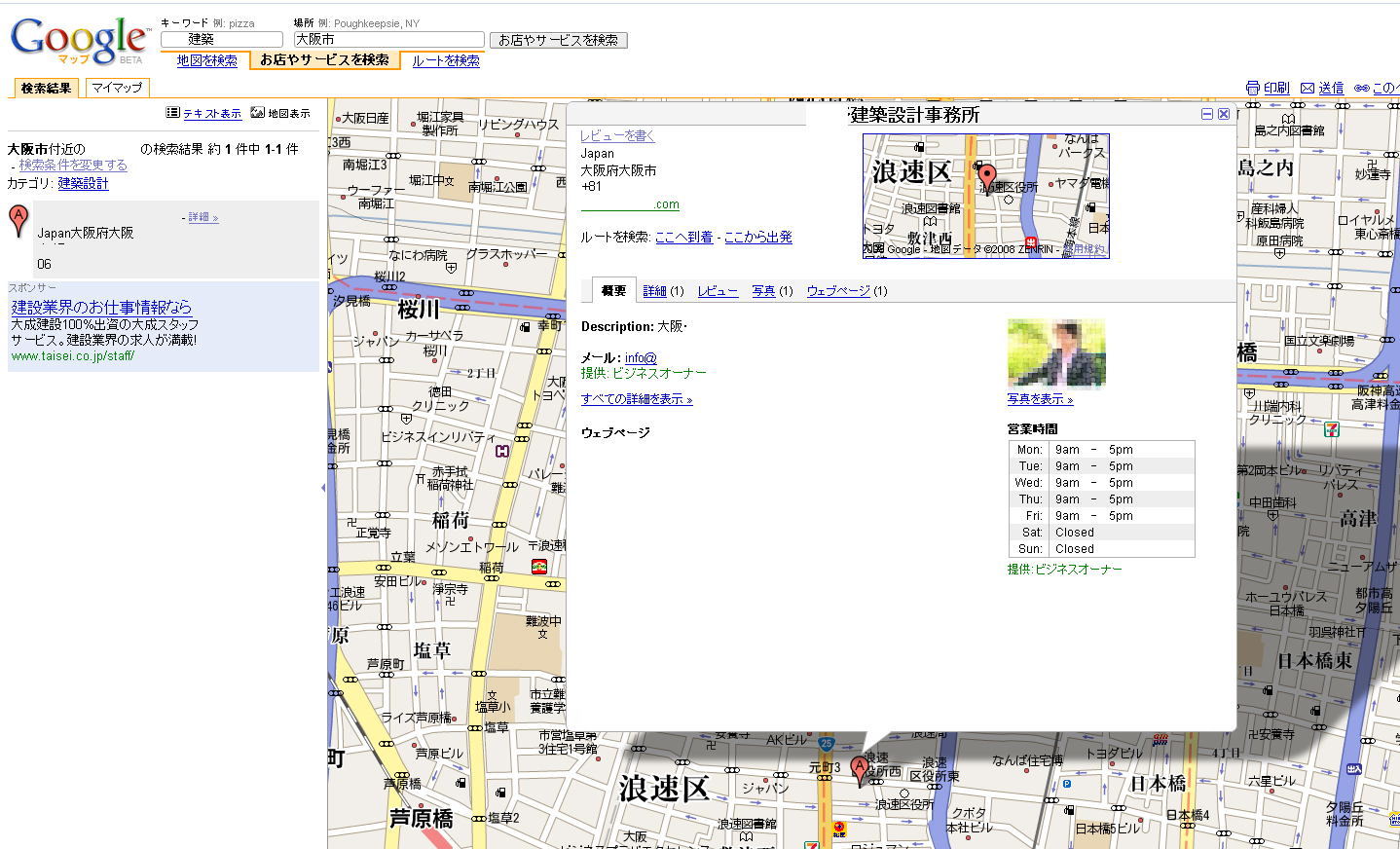
「お店やサービスを検索」を押してください。
↓
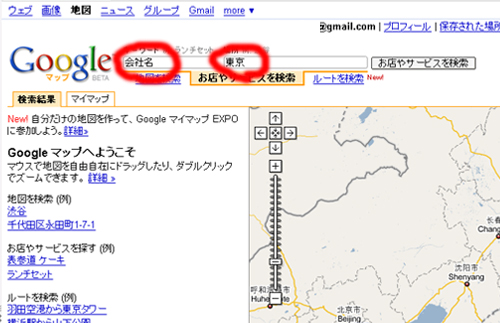
会社名と住所をいれてください。
↓
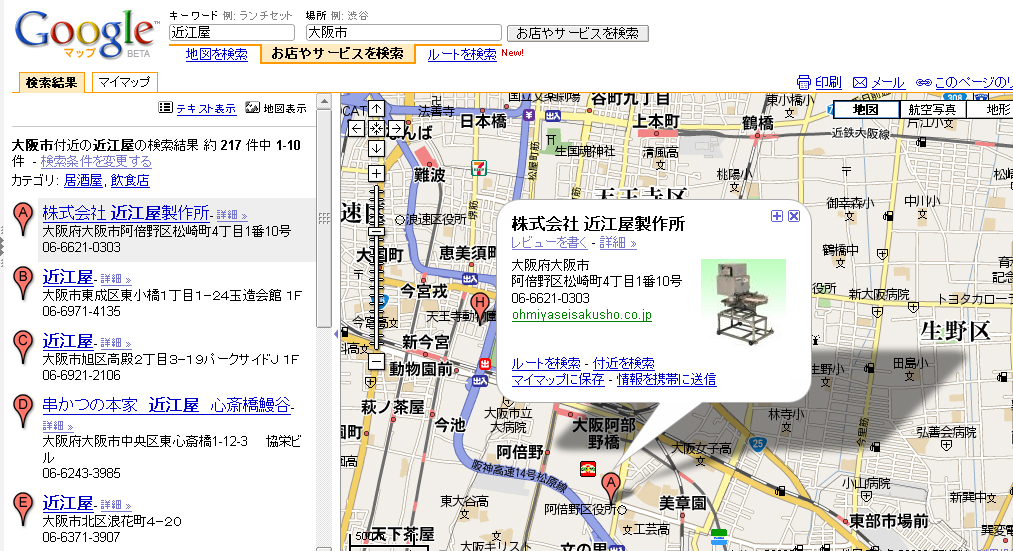
サイドバーに登録したい会社がでてきたら、選択してください。
↓
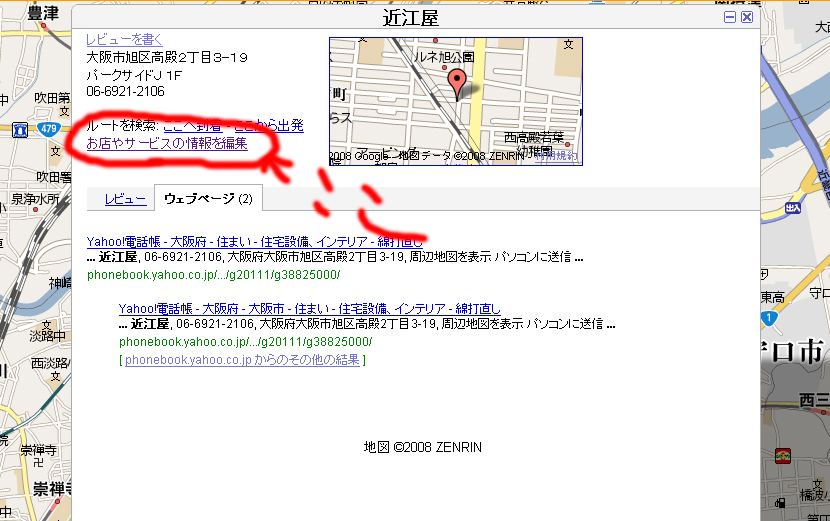
「お店やサービスの情報を編集」を押してください。
↓
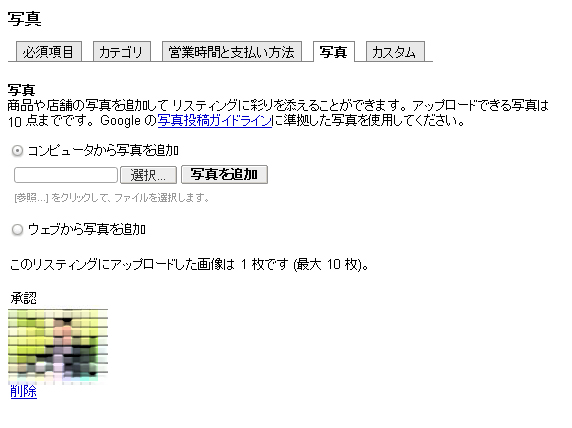
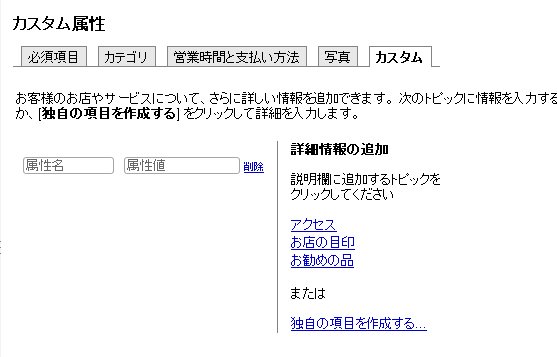
Google ローカル ビジネス センター で会社情報を登録します。
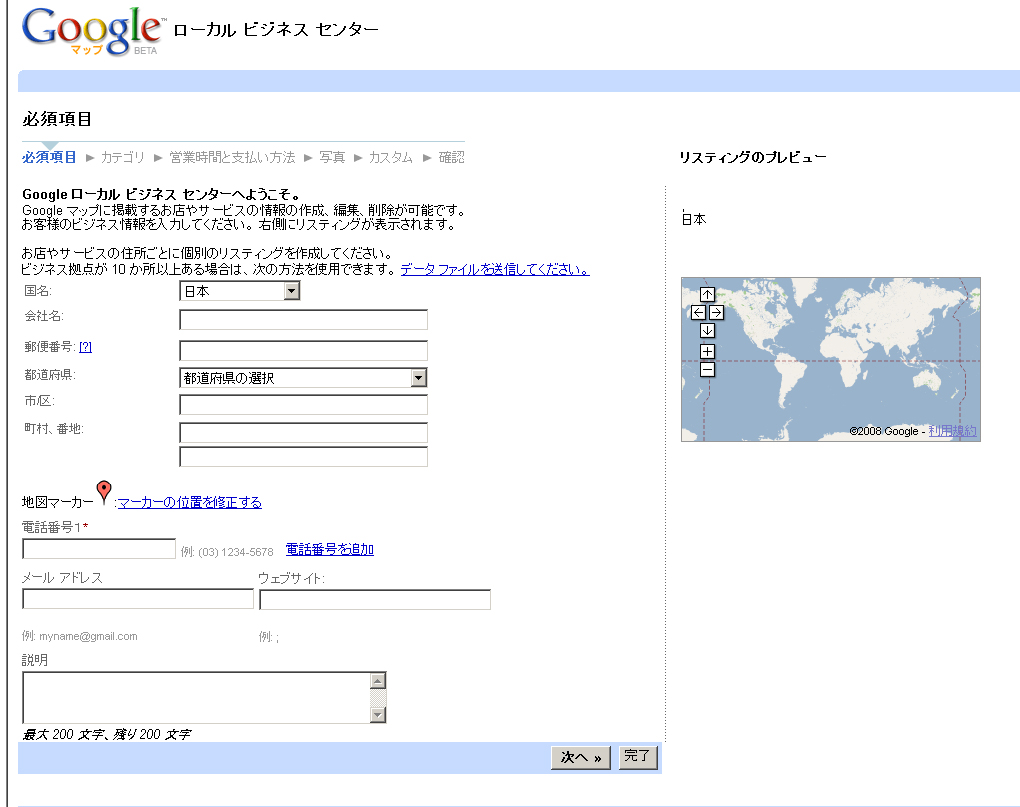
写真や、営業時間、HPのアドレス説明、サービスのカテゴリー、営業時間と支払方法などが登録できます。
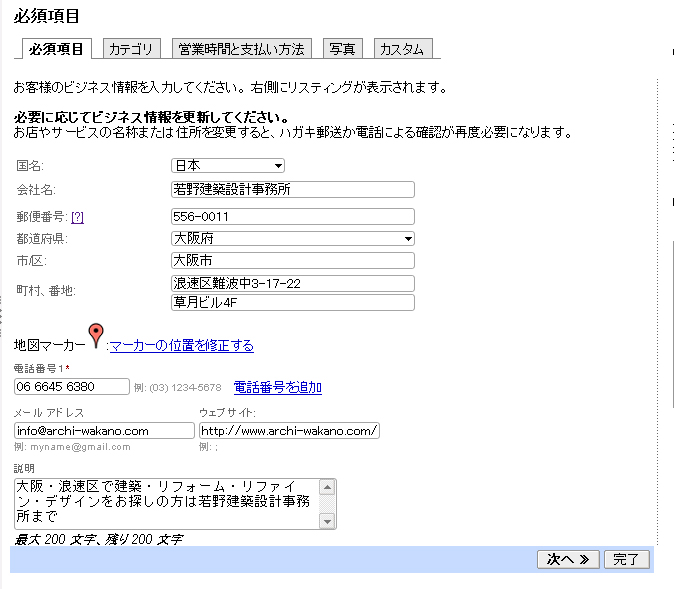
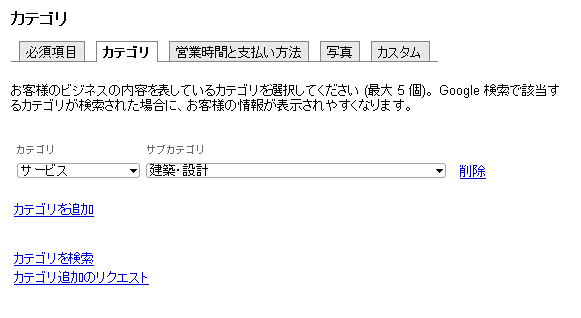
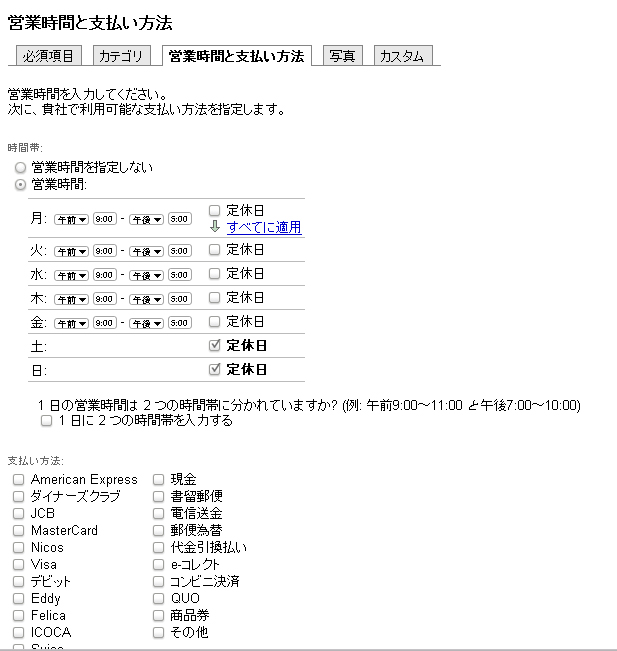
↓
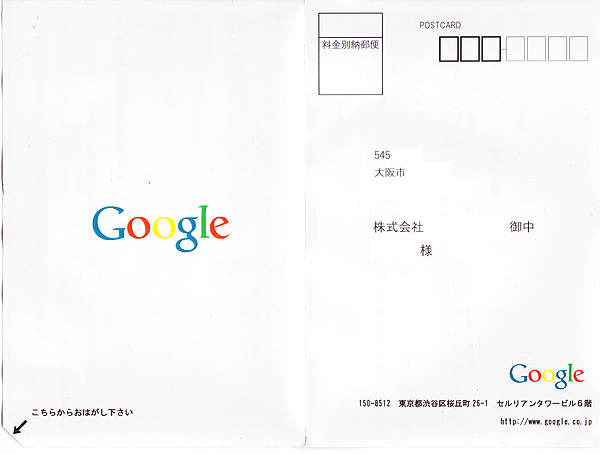
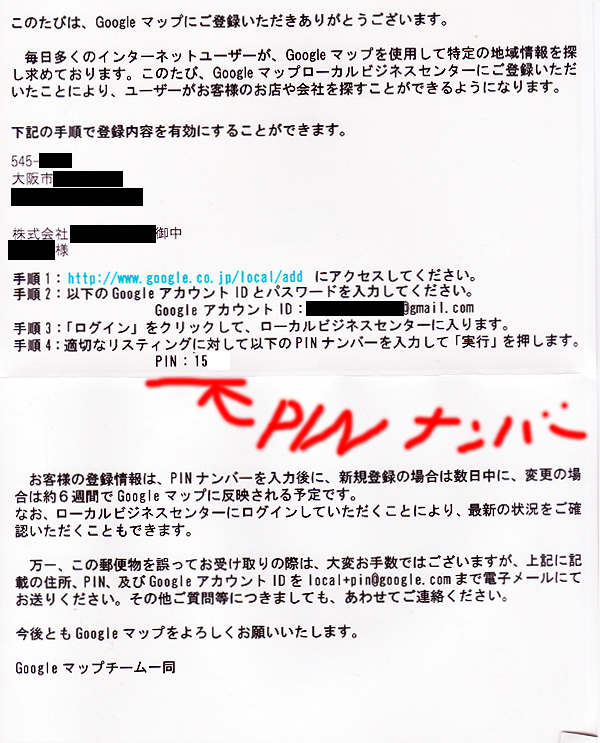
その後に、Googleから手紙が届きます。(2週間後に届きました)
記載されている。
↓
登録した内容が反映されます。
また修正などはGoogle ローカル ビジネス センター でいつでも行えます。
Related posts
AD:
 Ayumi Mizoshiri




One Comment, Comment or Ping
Reply to “Google Mapの地図に会社を登録する方法”
You must be logged in to post a comment.